One entry per ISO
Every ISO on the drive appears in the boot menu by its file name. Press Enter and Bootrix picks the right way to start it.
Preview release · free software
Bootrix turns a USB flash drive into a multiboot drive. Copy your .iso files onto it, start a computer from the drive, and pick what to run from a clean boot menu. No re-formatting every time you add or remove an ISO.
For Windows 10 and 11 (64-bit). Works on PCs with UEFI or Legacy BIOS.
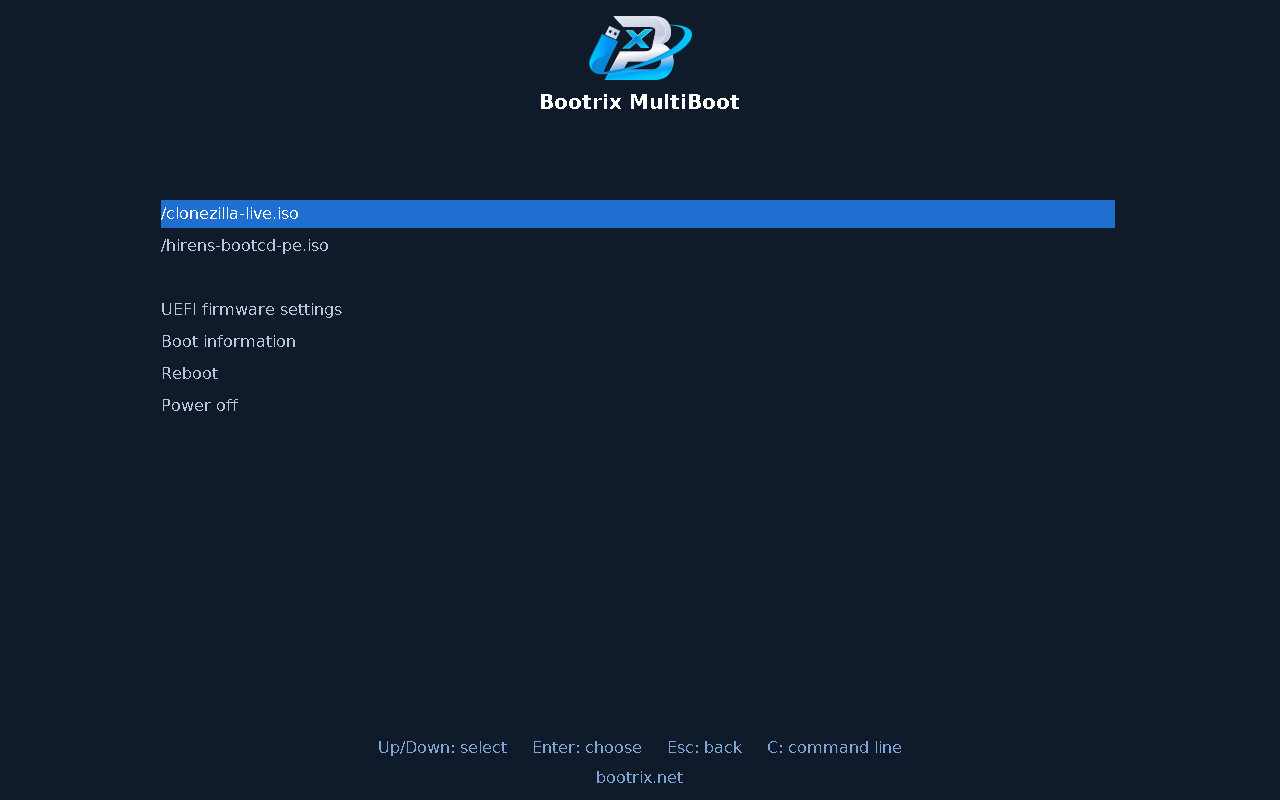
Every ISO on the drive appears in the boot menu by its file name. Press Enter and Bootrix picks the right way to start it.
Windows setup media, Windows PE tools and live Linux images, started from the ISO file itself – nothing is extracted or converted.
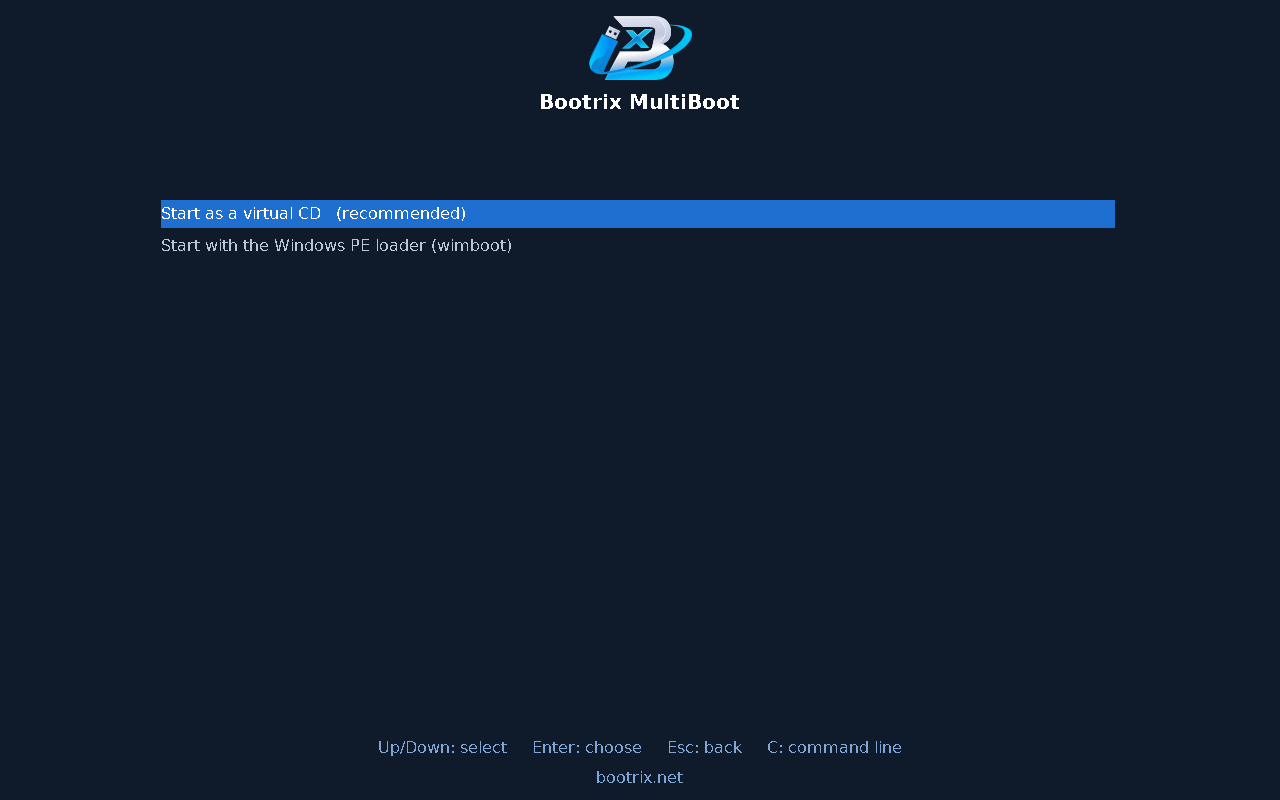
On UEFI computers, Windows PE rescue discs can be shown to the firmware as a real CD drive, so they start the way they do from a disc.
One drive, both kinds of computer. MBR and GPT drives are supported.
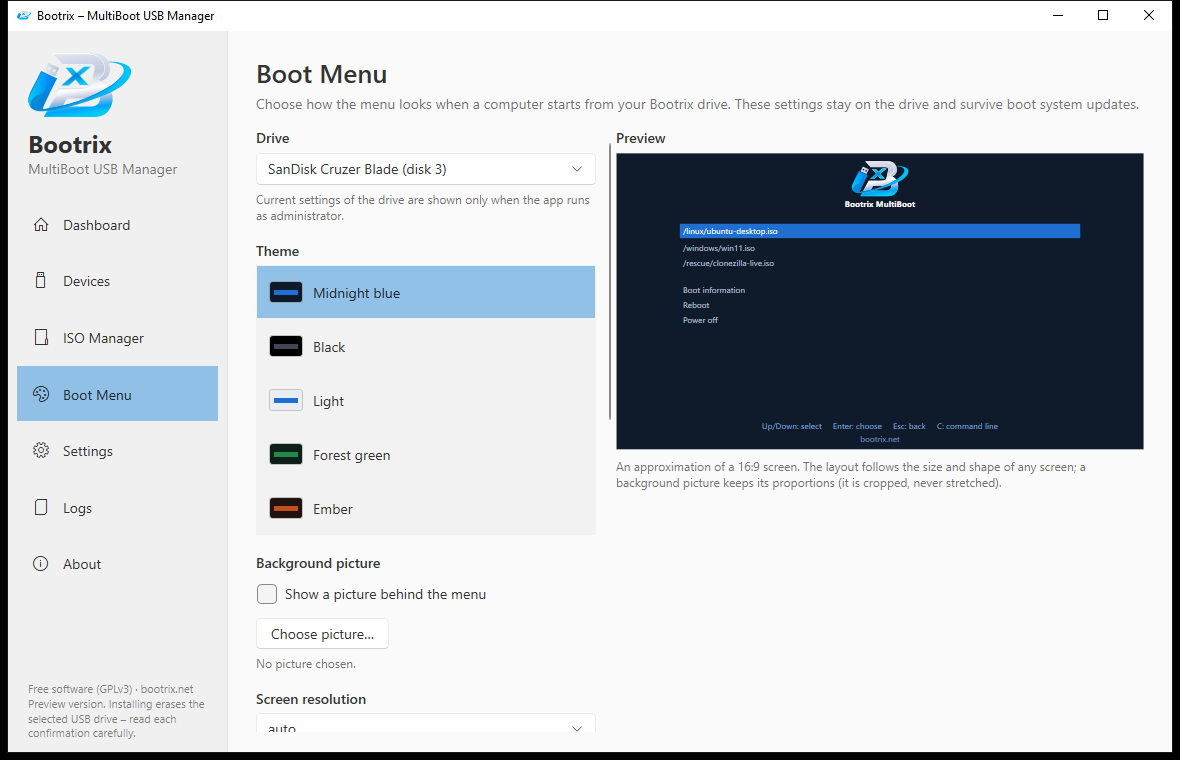
Choose a theme, a text size, your screen resolution, and even your own background picture. The menu adapts to any screen shape.
Open a newer Bootrix, see that your drive can be updated, and update it. Your ISO files are never touched by an update.
Bootrix never lets you pick your Windows disk, asks you to type a confirmation before erasing anything, keeps a backup before updating, and stops with a clear message if the drive is unplugged.
Bootrix is free software under the GNU GPL version 3. It is built on proven open-source parts: GRUB 2, wimboot and efifs.
Open Bootrix, choose your USB drive and press Install. Bootrix shows exactly what will be erased and asks you to type a confirmation.
The drive gets a large data partition named BOOTRIX. Copy .iso files to it with File Explorer or the ISO Manager. Delete them the same way.
Start a computer from the drive (usually with F12, F11, F9 or Esc) and pick an ISO from the menu.
Bootrix lists an ISO as working only after it has been tried. This is a preview release and the list is short on purpose. Other ISO files may work, but we do not claim it until we have tested them.
| ISO | UEFI | Legacy BIOS |
|---|---|---|
| Windows 10 and Windows 11 (64-bit) | Starts Windows Setup – real PCs | Windows 10 starts Setup – real PC |
| Clonezilla Live | Works – real PC | Works – real PC |
| Hiren’s BootCD PE | Reaches the desktop (virtual CD) – real PC | Too large for Legacy BIOS |
| Sergei Strelec WinPE | Reaches the desktop (virtual CD) – real PC | Not supported |
| Windows 10 32-bit, Zorin OS 18 | Zorin: emulator only. 32-bit Windows cannot start in UEFI mode. | Emulator only |
Bootrix is a single portable .exe file – nothing to install. The public download will be available here soon.
Download for Windows – coming soon
Free. Windows 10 / 11, 64-bit. Run as administrator to write to a USB drive.
Yes. It costs nothing and you may use it for anything.
Installing Bootrix on a drive erases that drive, and Bootrix tells you so and asks you to type a confirmation first. After that, adding or removing ISO files is just copying files, and updating Bootrix keeps your ISO files.
Bootrix only offers USB drives, never lets you select the disk Windows runs from, and double-checks the disk again right before writing. External hard disks are blocked unless you turn them on in Settings.
Bootrix stops at once, explains what happened, and tells you what to do: plug the drive in again and run the step again. Please do not unplug the drive while Bootrix is working.
Not yet. Turn Secure Boot off in the firmware settings of the computer you want to start from the drive.
See the compatibility table above. We only list what we have actually tested, and we keep that list up to date.
Bootrix is young. It has been tested on real computers, but not on many, so please keep your important data backed up.
Bootrix is a free multiboot USB manager. It is made to be simple to use and safe: it asks before it erases anything, and it never touches the disk Windows runs from.
Developer: John Carlo Fabon
Bootrix is free software under the GNU GPL v3. If it saves you time and you would like to support its development, a donation is welcome but never required.
Donations are voluntary and do not unlock anything – every feature is free for everyone.